Skip to content

Enroll your home charger and earn rewards

Follow these steps in the Tesla app to enroll your Tesla Wall Connector in a utility program

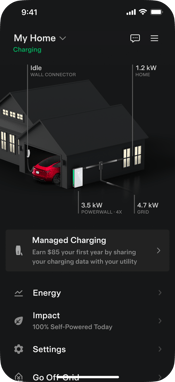
Step 1:

Select 'Virtual Power Plant' on the 'My Home' screen

landing pagecustomer info

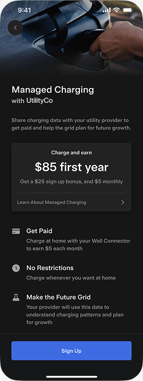
Step 2:

View offer screen, tap 'Next'

landing page marketing-1

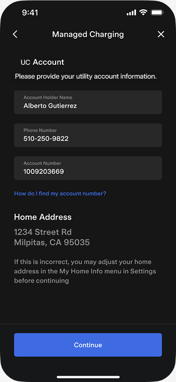
Step 3:

Fill out the form, tap 'Continue'

utilityinfo landingpage

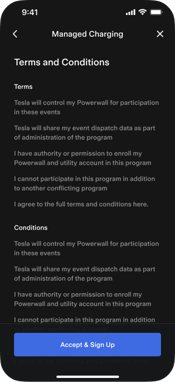
Step 4:

Tap 'Accept & Sign Up'

T&Cs

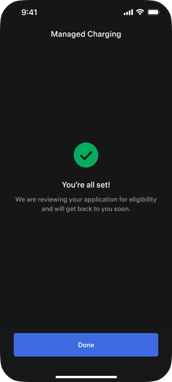
Step 5:

Pending application screen

pending

Don't have the Tesla app yet? 

If you would like to enroll your Tesla EV instead of your Tesla Wall Connector, you can enroll your EV through this form.

Visit our FAQ to learn more about enrolling your Tesla EV.