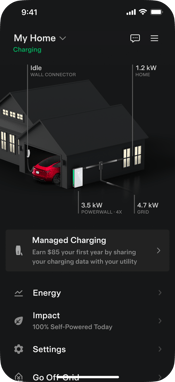
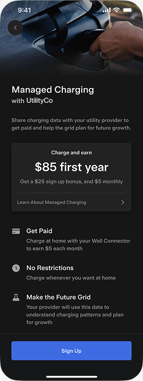
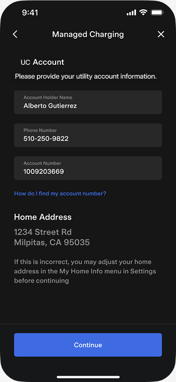
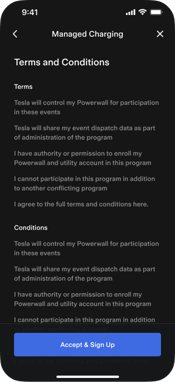
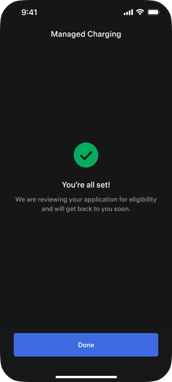
Follow these steps in the Tesla app to enroll your Tesla Wall Connector in a utility program
Don't have the Tesla app yet?
If you would like to enroll your Tesla EV instead of your Tesla Wall Connector, you can enroll your EV through this form.
Visit our FAQ to learn more about enrolling your Tesla EV.